


Group Policy Automation Engine
Automate Group Policy changes at scale with a PowerShell-driven engine
Group Policy Automation Engine provides a PowerShell and .NET interface for reading, writing, and searching settings across domain and local Group Policy Objects (GPOs). It gives IT teams the missing automation layer for Group Policy, enabling configuration changes to be scripted, versioned, and executed consistently. The tool supports most core policy areas, such as Administrative Templates, security settings, Group Policy Preferences, folder redirection, and more, enabling full automation of policy delivery.
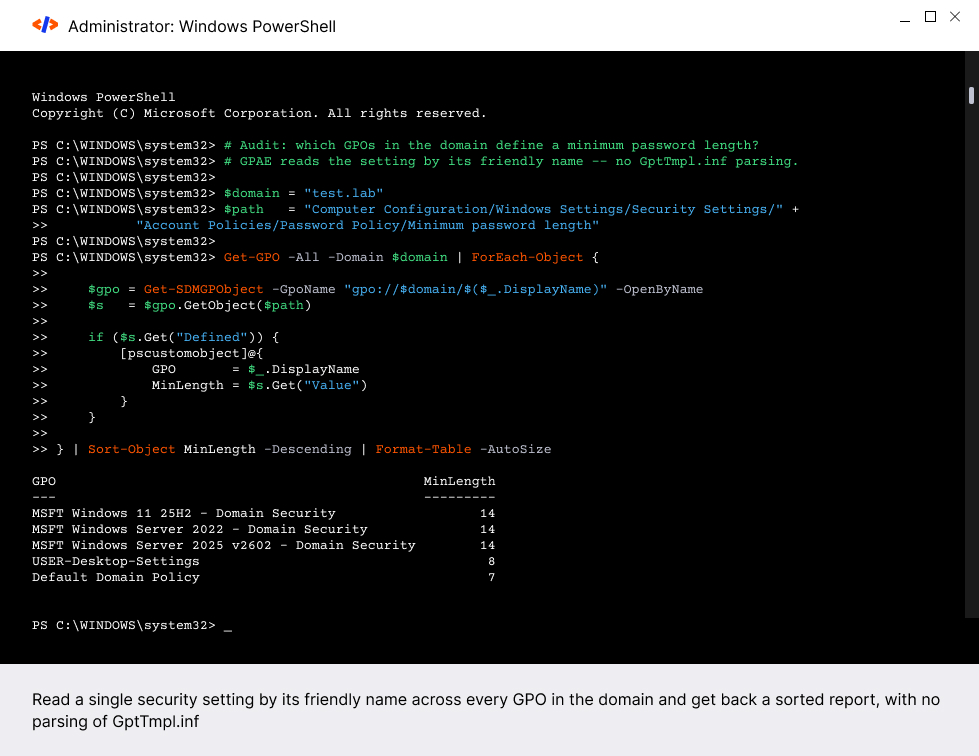
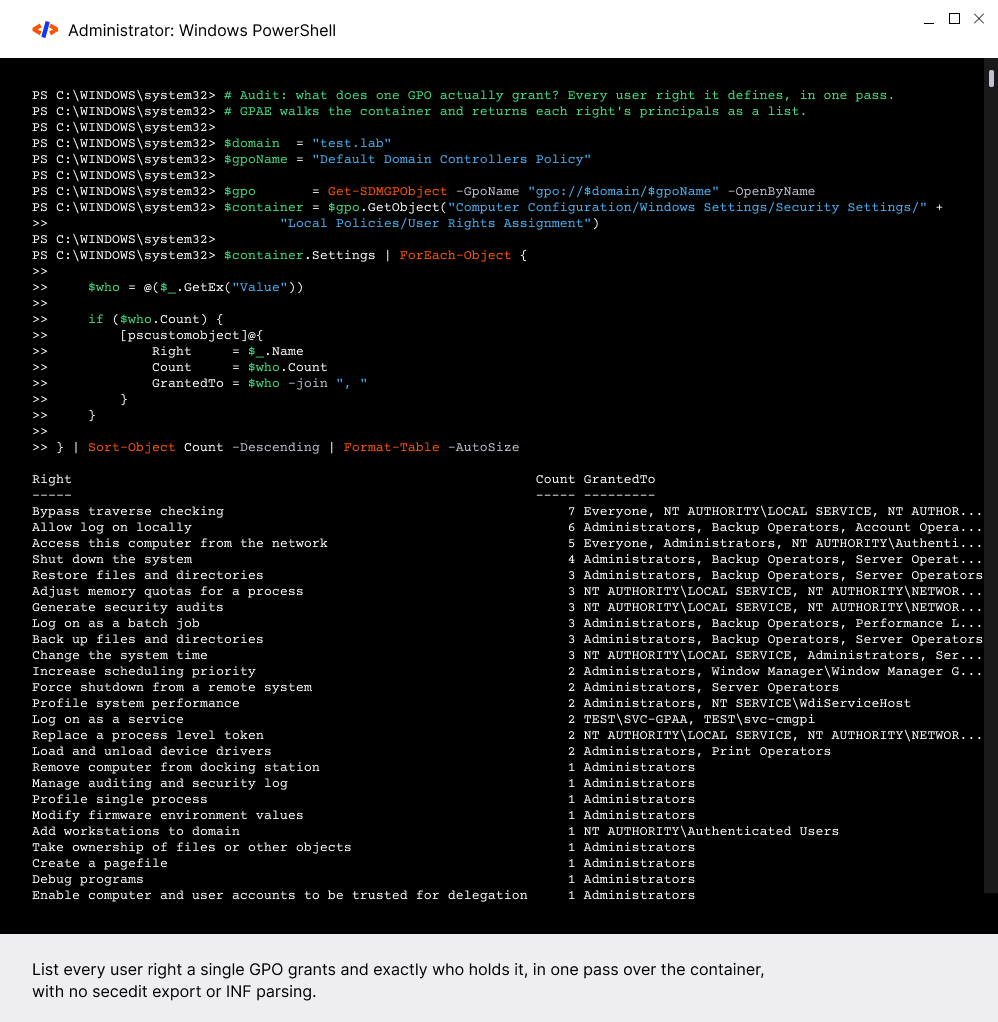
By integrating Group Policy Automation Engine scripts with existing DevOps workflows, you will:
Reduce operational effort
by automating recurring Group Policy updates and eliminating manual touchpoints.
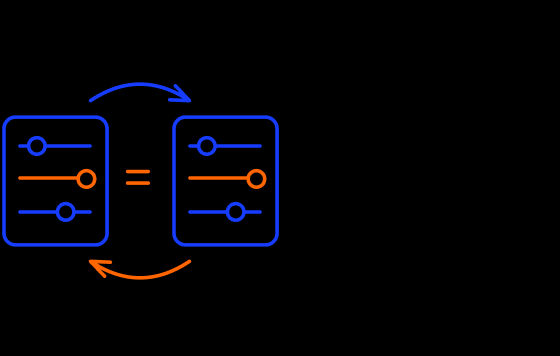
Improve consistency
and reduce configuration drift through scripted, repeatable reads and writes to GPO settings.
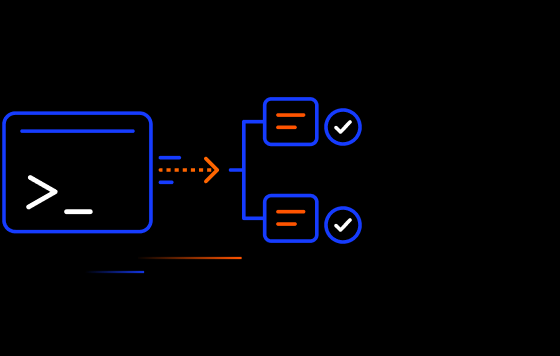
Accelerate deployments
by integrating with existing PowerShell automation and configuration workflows.
Recommended Solutions
If you are interested in Group Policy Automation Engine, do you also…


FAQ
What is Group Policy Automation Engine?
Group Policy Automation Engine is a PowerShell and .NET SDK that automates reading, writing, and searching Group Policy settings across domain and local GPOs. It is designed for developers and IT teams that want to automate policy changes at scale.
Which policy areas does GPAE support?
Group Policy Automation Engine covers most core Group Policy areas, including administrative templates, most security settings, Group Policy preferences (with item-level targeting), folder redirection, scripts, and software installation.
Can GPAE automate changes across multiple GPOs?
Yes. Group Policy Automation Engine can automate reads and writes across local or domain GPOs, making it suitable for bulk updates, environment-wide configuration changes, and standardized deployments.
How does GPAE fit into a broader governance workflow?
A: Group Policy Automation Engine handles automation. For controlled change processes, you can pair it with Change Manager for Group Policy and Intune to ensure approvals and rollbacks, or with GP Reporting Pak to identify duplicates, conflicts, or required cleanup before applying automated changes.
Does Group Policy Automation Engine support command-line automation?
A: Yes. Group Policy Automation Engine is explicitly designed for command-line and script-driven automation using Microsoft PowerShell or .NET.
What are the main features of Group Policy Automation Engine by SDM Software?
GP Automation Engine has the following features:
- Automates reads and writes of GPO settings across domain or local GPOs using PowerShell
- Automates changes to Group Policy settings across most policy areas, including Administrative Templates, Security Settings and Preferences (including Item-level targeting)
Request a Trial
"*" indicates required fields
Request a Demo
"*" indicates required fields
Request a Quote
"*" indicates required fields